
How to Check Whether Your IT Provider Can Really Protect Your Business
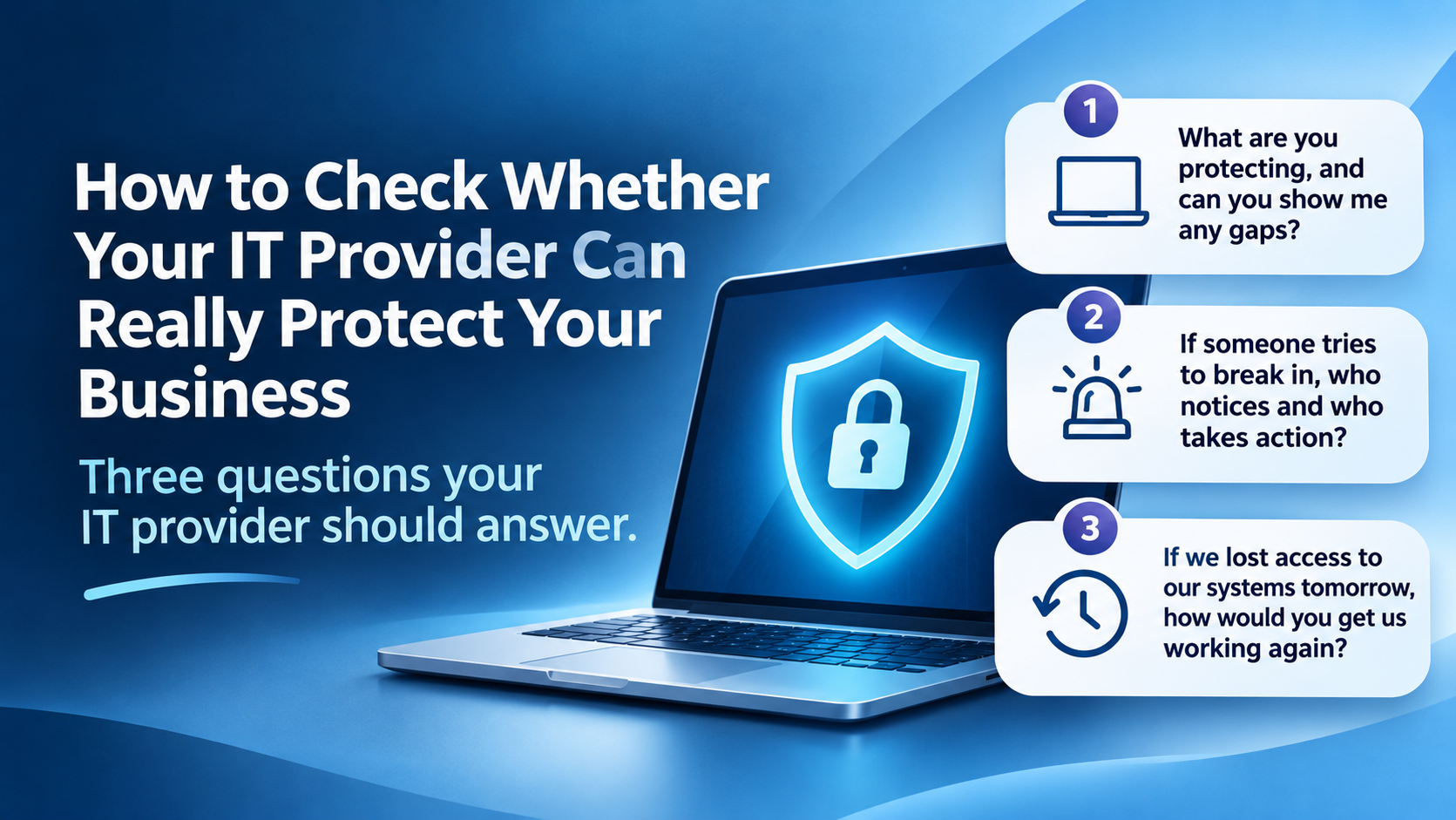
Three questions your IT provider should answer.
Executive Summary
Your IT provider may be excellent at fixing everyday problems. But how much do you know about the protection behind the helpdesk?
Three questions can help you find out: what is protected, who responds to suspicious activity, and how your business would recover if something went wrong. Look for clear explanations backed by evidence, with any gaps and additional costs made clear.
Introduction
If someone asked you how your IT provider protects your business, what would you say?
Perhaps you know there is antivirus on the computers and a backup running somewhere. Beyond that, you trust that everything is being taken care of.
That is understandable. You pay a specialist so you can concentrate on running your business. But it is worth checking whether the service you think you have matches what your agreement actually includes.
You do not need to become an IT expert to have that conversation. Start with these three questions.
1. What are you protecting, and can you show me any gaps?
A useful answer should start with your business: the devices your team uses, the accounts they sign into and the information you depend on.
Ask your provider to explain how they protect those areas. That should cover keeping devices updated, securing business accounts, controlling access and helping staff recognise suspicious messages.
For example, multi-factor authentication adds another check when someone signs in. Ask whether it is enforced across important accounts, rather than simply available for staff to turn on. The ICO recommends measures including strong passwords, multi-factor authentication and limiting access to those who need it.
The detail matters. A new laptop may not yet have been added to the security service. An account belonging to someone who has left could still be active. A business application may sit outside your provider’s agreed scope.
Evidence to ask for: a current summary of the devices and accounts covered, any exceptions, and the actions needed to address them. It should distinguish what is included from what needs your approval or an additional budget.
Be cautious if: the answer is simply “you have antivirus” or a list of product names, with no explanation of coverage.
2. If someone tries to break in, who notices and who takes action?
Ask your provider to walk you through a realistic example: someone gains access to an employee’s email account on a Friday evening.
How might that be detected? Who receives the alert? Who investigates it, and who has permission to block access?
This helps uncover what “monitoring” means in practice. A system might generate alerts around the clock, but you still need to know when people review them and what action they can take.
Your provider should explain the arrangements for both computers and cloud accounts, including any specialist security partner involved. Confirm what happens outside normal helpdesk hours and whether emergency work costs extra.
The NCSC recommends documenting incident responsibilities, contact details and the support covered by external providers. Keep a copy somewhere you can access if your usual email or systems are unavailable.
Evidence to ask for: a written response process showing who investigates, who can take urgent action and how your business will be contacted.
Be cautious if: nobody can explain what happens between an alert being raised and someone acting on it.
3. If we lost access to our systems tomorrow, how would you get us working again?
“We have backups” is a starting point. You also need to know what can be restored and how long recovery is likely to take.
Ask your provider to describe what would happen if your team could no longer access its files, email or main business application. Which services would come back first? How much recent work might be missing?
Agree recovery priorities around how your business operates. Restoring a shared folder is useful, but it may not let you process orders if the application you need is still unavailable.
Check which data is backed up, how far back copies go and how those copies are protected from the same incident. Ask specifically about cloud services such as Microsoft 365, rather than assuming everything is covered because it is online.
The NCSC advises checking that backups contain your important data and knowing how to restore them. A successful backup notification alone does not demonstrate that your whole business can recover.
Evidence to ask for: the date and results of the latest relevant recovery test, what it covered, and realistic estimates for restoring your critical services. Those estimates should explain any dependencies or limitations.
Be cautious if: recovery has never been tested, or nobody has discussed how long your business could manage without its systems.
Final Thoughts
A capable provider should be comfortable discussing these questions, including where protection has limits. No provider can honestly promise that a cyber attack will never happen.
What you should expect is a clear account of your current position and a practical plan for addressing weaknesses.
Send these three questions ahead of your next service review and ask your provider to bring the supporting information. You should leave knowing what needs attention, who is responsible and what happens next.
FAQs
The scope varies between agreements. Ask for written confirmation of the security services included, any exclusions and the options available to close gaps.
The right arrangement depends on your risks and the impact of an incident. Ask what happens overnight and at weekends so you can make an informed decision about cover.
Agree a schedule that reflects how important your systems are and how frequently they change. Significant changes should prompt a review of whether the existing recovery plan still works.
They are a useful starting point for a conversation with your existing provider. Clear answers may reassure you or identify improvements you can agree together.
Yes. We can help review your IT and cyber security arrangements, explain the findings in plain English and prioritise practical improvements.
If you are unsure how your current arrangements measure up, speak to Get Support. Our cyber security gap analysis can help you understand where protection is in place, where gaps remain and what to tackle first.
Contact Get Support to discuss a practical review of your business IT and cyber security.