
Microsoft 365 Retention, Backup and Legal Hold: What Is the Difference?
Executive Summary
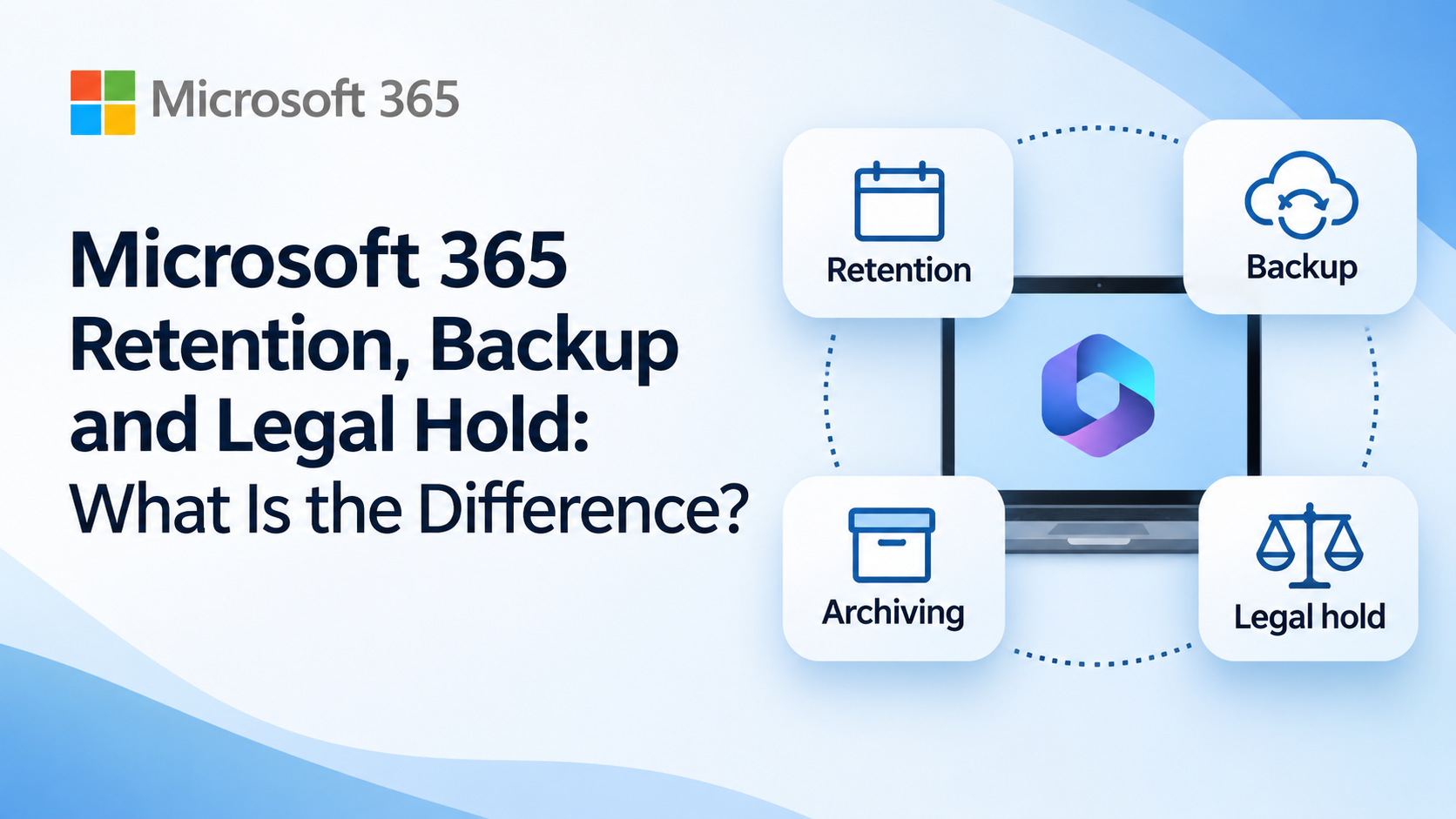
Microsoft 365 gives businesses several ways to protect and manage information, but terms such as retention, backup, archiving and legal hold are often confused.
They are not the same thing.
- Retention keeps information for as long as the business needs it, so it cannot be permanently lost before then and can still be found later. It also makes sure information is deleted when it is no longer needed.
- Backup gives you a separate copy of your information, stored outside Microsoft, that can be restored to a point in time.
- Archiving keeps older or inactive information available without leaving it in normal day-to-day use.
- Legal hold preserves information that may be needed for a legal case or investigation.
At Get Support, our recommended Microsoft 365 backup solution is Datto SaaS Protection, which creates separate backup copies of Microsoft 365 data for recovery.
For many businesses, the right approach is not to choose one of these. It is to use the right combination. Our recommendation is to use retention policies and backup together, because each covers what the other cannot.
Introduction
A question we regularly hear is:
“Our files and emails are in Microsoft 365. Doesn’t that mean everything is already backed up?”
It is an understandable assumption.
Microsoft 365 has strong resilience built into the service and includes useful recovery features such as recycle bins, deleted-item recovery and file version history. It also provides tools for retention, archiving and legal investigations.
But these features solve different problems.
A retention policy is not the same as a backup. An archive is not automatically a backup either. And a legal hold has a very specific purpose.
Understanding the difference helps make sure your business has the protection it actually needs.
Retention, backup, archiving and legal hold at a glance
| Feature | Main purpose | Key question |
| Retention | Keep information for a set period so it cannot be permanently lost, make it findable later, and delete it when it is no longer needed | How long should we keep this, can we still find it, and when should it be deleted? |
| Backup | Keep a separate copy outside Microsoft that can be restored to a point in time | What did this look like on a given date, and can we restore it? |
| Archiving | Keep older or inactive information | Can we keep this without leaving it in active use? |
| Legal hold | Preserve information for a legal matter | How do we make sure relevant evidence is preserved? |
What is Microsoft 365 retention?
Microsoft 365 retention is about keeping information for as long as the business needs it, making sure it is not permanently lost, and deleting it when it is no longer needed.
A business may need to keep certain records for a particular length of time. This could include contracts, financial records, HR information or client correspondence.
Microsoft Purview retention policies and labels can be used to:
- keep information for a set period
- keep it indefinitely
- delete information after a set period
- retain it for a period and then delete it
If a user edits or deletes information that is still subject to retention, Microsoft 365 can preserve a copy so the retention requirement continues to be met.
For example, your business might decide that a certain type of record must be kept for seven years.
The main question retention answers is:
“How long should this information be kept, and can we still find it if someone deletes it?”
Retention is what helps when someone says, “I know there was something here, but I can’t find it.” Because edited and deleted content is preserved for the retention period, we can search for it using Microsoft Purview eDiscovery without needing to know when it was deleted.
Retention has limits, and it is not a replacement for backup:
- It only preserves content that is edited or deleted after the policy has been applied.
- It is not a point-in-time record, so it cannot show you exactly what existed on a particular date.
- It is not a separate copy. Preserved content stays inside your Microsoft 365 tenant.
- It uses storage. Content preserved in SharePoint and OneDrive is held in the Preservation Hold Library, which counts towards your SharePoint storage quota and can add significant cost.
- It requires a qualifying Microsoft 365 licence for each user covered, such as Microsoft 365 Business Premium or Microsoft 365 E3.
Retention is also about deleting data
Retention is not only about keeping information. It is just as much about not keeping data for longer than you need to.
Under UK GDPR, personal data must not be kept for longer than is necessary. Holding everything forever also creates risk:
- Data protection compliance. Keeping personal data with no defined end point is difficult to justify.
- Subject access requests (DSARs). Individuals can ask for the personal data you hold about them. The more you have stored, the more there is to search, review and disclose within the legal deadline.
- Impact of a breach. If an account is compromised, old data that should have been deleted is exposed as well.
In practice, this is very hard to achieve without a retention policy. Without one, deletion relies on individual users remembering to clear out old files and emails, and that rarely happens consistently. A retention policy lets the business decide how long each type of information is kept and then removes it automatically.
What is Microsoft 365 backup?
Backup is about keeping a separate copy of your data, outside Microsoft, that you can restore to a point in time.
- A copy that is not in Microsoft. Your data remains available even if your Microsoft 365 tenant is compromised or someone deliberately deletes information.
- Recovery to a point in time. You can go back to how a file, mailbox or folder looked at an earlier date.
- A dated record of what existed. If someone says, “I knew it was there last week”, a backup lets you check whether it was actually captured. That is much harder to show with retention.
Typical situations where backup helps include:
- an employee accidentally deletes files or emails
- information is deliberately deleted
- files are changed unexpectedly
- a cyber incident affects business data
- you need to recover an earlier copy of a file
Microsoft 365 has useful built-in recovery tools, but Get Support recommends having a dedicated backup solution as an additional layer of protection.
Our recommended solution is Datto SaaS Protection.
Why we recommend Datto SaaS Protection
Datto SaaS Protection backs up supported Microsoft 365 data across services including Exchange, OneDrive, SharePoint and Teams.
The backup copies are stored in Kaseya’s cloud rather than simply relying on the live copy inside your Microsoft 365 environment.
That gives your business a separate recovery point.
If important Microsoft 365 information is deleted or changed, Datto can be used to recover individual emails, files, folders and other supported data from earlier backup snapshots.
This is particularly useful for:
- accidental deletion
- malicious deletion
- recovering earlier copies of information
- recovering data after unwanted changes
- protecting data belonging to former employees
Datto is mainly designed for backup and granular recovery, rather than instantly restoring an entire Microsoft 365 tenant after a major outage. That distinction is important because backup should form part of a wider business continuity and cyber recovery plan.
Backup is designed for recovering data as it was at a point in time. It works best when you know roughly when the data existed, because you choose the snapshot to restore from. It is not designed for searching historically across everything that has ever existed. When you need to find content without knowing when it was deleted, retention and eDiscovery are the better tool.
Microsoft 365 retention and Datto retention are different
This is where the terminology can become confusing.
Microsoft and Datto both use the word retention, but they mean different things.
Microsoft 365 retention asks:
“How long should this business information be kept according to our policy?”
Datto backup retention asks:
“How long should historical backup copies remain available for recovery?”
The two can work side by side.
For example, your business might have a Microsoft 365 policy requiring certain records to be kept for seven years, while separately using Datto to maintain historical backup copies.
They are complementary controls, not alternatives.
Does Datto have one-year or infinite retention?
As a Datto partner, we can supply and support SaaS Protection with either retention model. Both are available, each with its own associated cost, and we will help you choose the one that fits your recovery needs and budget.
Newer SaaS Protection Standard and Kaseya 365 User subscriptions use Infinite
Datto SaaS Protection subscriptions may use either:
- Time-Based Retention, with backup snapshots kept for up to one year
- Infinite Cloud Retention
Infinite retention does not mean that every backup snapshot is kept forever.
Datto keeps more frequent restore points for recent information and gradually reduces the number of historical snapshots as they get older. Under its Infinite Cloud Retention model, long-term history is retained using monthly restore points after the first year.
This is why Microsoft 365 retention policies and backup retention settings should be considered together.
Retention or backup: which one answers the question?
The easiest way to choose between them is to think about what the person asking actually knows.
| If someone says… | Best fit | Why |
| “I knew it was there last week. Can you restore it?” | Backup | We know roughly when it existed, so we can restore from a snapshot around that date. |
| “It was definitely there last week.” (and we need to check) | Backup | A backup is a dated record of what was captured. That is much harder to show with retention. |
| “I know there was something, but I can’t find it.” | Retention | Preserved content can be searched with eDiscovery, without knowing when it was deleted. |
| “We need to make sure people can’t permanently delete this.” | Retention | Retained content is kept for the set period even if a user deletes it. |
| “We shouldn’t still be holding this data.” | Retention | A retention policy can delete content automatically once its retention period ends. |
| “We need a copy that isn’t in Microsoft.” | Backup | The copy is stored in Kaseya’s cloud, so it is separate from your Microsoft 365 tenant. |
What is archiving?
Archiving is about keeping information that is no longer needed in normal day-to-day use but should not be deleted.
A common example is email.
Microsoft 365 can provide archive mailboxes so users can keep older messages without storing everything in their main mailbox.
Microsoft also provides archiving options for inactive SharePoint content.
An archive is not the same as a backup.
A simple way to remember it is:
You access an archive because you want to find information you intentionally kept.
You access a backup because you need to recover a copy of information.
What is a legal hold?
A legal hold is used to preserve information that may be relevant to a legal case or investigation.
For example, a dispute with an employee, supplier or customer may mean that relevant emails, documents or other records need to be preserved.
Microsoft Purview eDiscovery allows organisations to place relevant information on hold so it cannot be permanently deleted while the matter is ongoing.
The difference from normal retention is mainly the reason the data is being kept.
A retention policy might say:
“Keep this type of record for seven years.”
A legal hold is more like:
“Preserve information relating to this particular investigation until the hold is released.”
Legal hold is therefore not a substitute for normal retention or backup.
Our recommendation
These are not four different ways of doing the same thing. For most businesses, we recommend retention policies and backup together. Backup gives you a separate copy and a point-in-time record. Retention keeps content for as long as it is needed, deletes it when it is not, and means it can be found later. Each covers what the other cannot.
A business could reasonably use all four:
- Microsoft 365 retention to keep important records for the appropriate period, so they cannot be permanently lost and can be found through eDiscovery, and to delete data that is no longer needed
- Datto SaaS Protection to maintain a separate backup copy outside Microsoft that can be restored to a point in time
- archiving to keep older information that is no longer needed in day-to-day use but should not be deleted
- legal hold to preserve information that may be relevant to a legal case or investigation until the hold is released
Retention does need some planning. It requires a qualifying Microsoft 365 licence for each user covered, such as Microsoft 365 Business Premium or Microsoft 365 E3. Content preserved in SharePoint and OneDrive also counts towards your SharePoint storage quota, so the scope and duration of each policy should be chosen deliberately rather than applied to everything.