
ChatGPT Is Replacing Custom GPTs With Plugins: What Does Your Business Need to Know?
Executive Summary
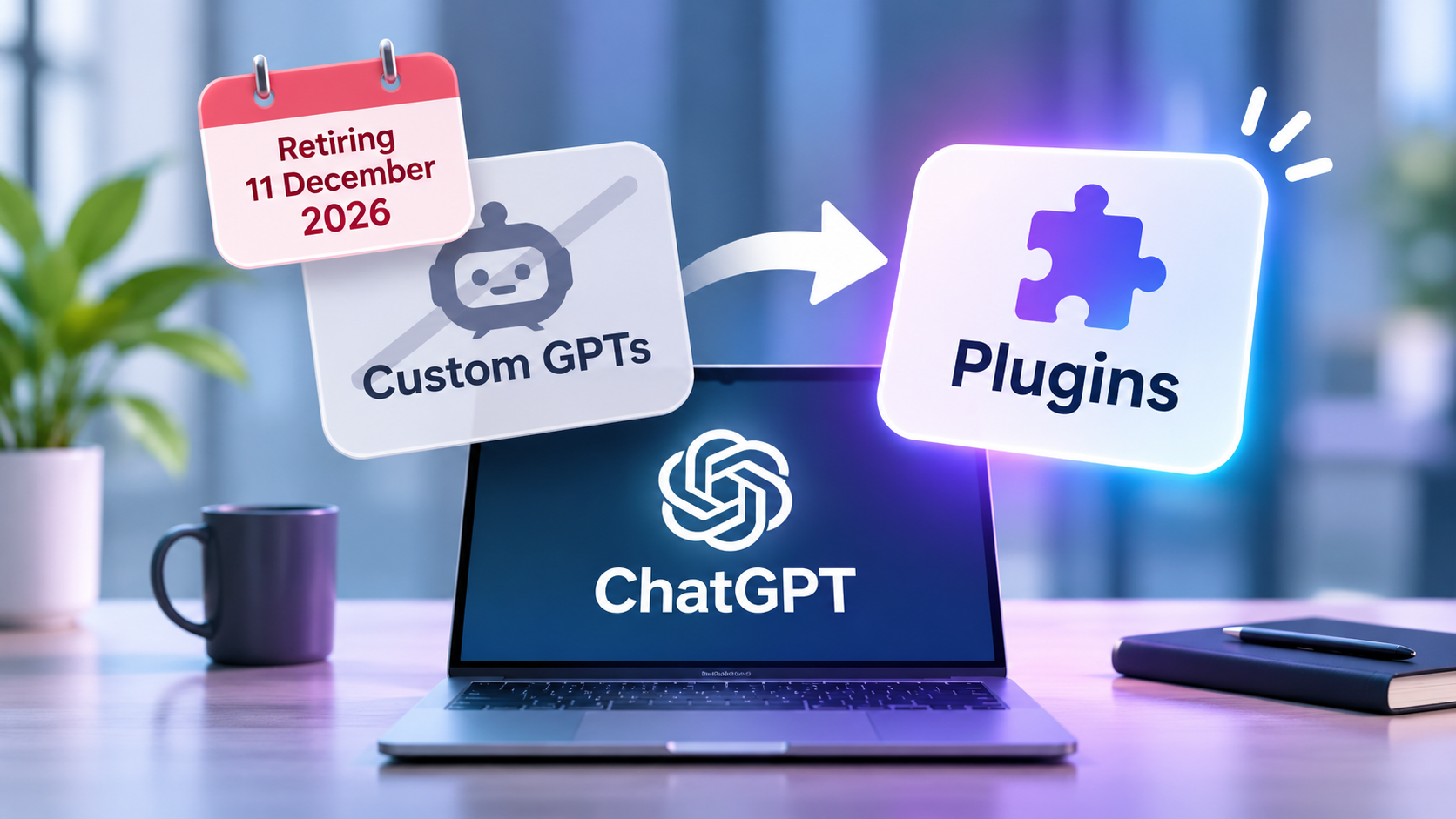
OpenAI has announced that custom GPTs are being retired, with 11th December 2026 scheduled as the main deadline.
If your business has created custom GPTs to help with tasks such as writing documents, answering internal questions, supporting staff or handling repetitive work, this change could affect you.
The good news is that OpenAI is introducing a replacement system called Plugins, along with a way to migrate existing custom GPTs.
However, the change is not entirely automatic. Businesses will need to review their existing GPTs, migrate the ones they want to keep and check that everything continues working as expected.
Here is what is changing, why it matters and what your business should do before December.
Introduction
Have you created a custom GPT in ChatGPT?
Perhaps you use one to write emails in your company’s tone of voice, create marketing content or help employees find information.
If so, you might be wondering what will happen to it when OpenAI retires custom GPTs in December.
The important thing to understand is that ChatGPT itself is not going away. OpenAI is changing how people create and use customised AI tools.
And if you have built something useful, there are steps you can take to keep it working.
What Is Happening to Custom GPTs?
Custom GPTs are personalised versions of ChatGPT that people can create for specific tasks.
For example, a business might have a custom GPT that:
- Writes customer emails using the company’s preferred tone of voice.
- Helps employees find information in internal documents.
- Produces marketing content using company guidelines.
- Assists with preparing proposals or reports.
- Answers frequently asked questions about company processes.
Rather than explaining what you want every time, a custom GPT already has the instructions and reference information needed to complete the task.
For many businesses, these have become useful tools for saving time and improving consistency.
However, OpenAI is now phasing out custom GPTs in favour of Plugins.
The standard retirement date is scheduled for 11th December 2026, although certain Enterprise workspaces with approved extensions, and FedRAMP workspaces, have until 11 February 2027.
The change affects ChatGPT plans more widely, but the timing and migration options may vary depending on your account.
What Are ChatGPT Plugins?
Plugins are OpenAI’s replacement approach for many of the tasks currently handled by custom GPTs.
The idea is similar, but the way they work is slightly different.
A custom GPT is effectively a personalised version of ChatGPT, with its own instructions and knowledge.
A Plugin brings together reusable instructions, reference information and, where supported, connections to other applications.
For example, imagine your business has a custom GPT that helps employees prepare weekly project updates.
Currently, you might open that specific GPT, provide the relevant information and ask it to prepare the update.
With a suitable Plugin, you can use those same instructions within a normal ChatGPT conversation. Depending on the applications available and connected, it may also be able to work with information from other business systems.
In simple terms, OpenAI is moving away from separate, customised versions of ChatGPT towards reusable tools that work within ChatGPT itself.
For businesses, this could make AI workflows more flexible and easier to use alongside everyday applications.
Will Your Existing Custom GPTs Stop Working?
For most users, the important date is 11th December 2026.
OpenAI says existing custom GPTs will remain usable until their applicable retirement date.
After that, the GPTs themselves will no longer be accessible.
This means that if your business relies on a custom GPT for a particular task, you should not assume it will continue working after December.
OpenAI is providing a migration process to help creators move their GPTs into Plugins.
This process transfers important elements, including the GPT’s instructions and uploaded knowledge files.
However, not everything will transfer automatically.
What Might Need Additional Work?
If your custom GPT simply follows instructions and uses uploaded documents, migration may be relatively straightforward.
More complicated GPTs could require additional work.
For example, if your GPT connects to another business system using a custom action, that connection will not automatically transfer.
It may need to be rebuilt or replaced with a supported application connection.
The replacement Plugin may also produce slightly different results, even when using the same instructions.
That is why it is important to test migrated Plugins before relying on them.
What Should Your Business Do Before December?
If you have created custom GPTs, now is a sensible time to review them.
You do not necessarily need to make major changes immediately, but you should understand what your business relies on and what needs to move.
1. Find Out Which Custom GPTs Your Business Uses
Start by identifying any custom GPTs that employees have created or regularly use.
Some may be company-wide tools, while others might have been created by individual employees to make their jobs easier.
Make a note of which ones are important to everyday operations.
2. Decide Which GPTs Are Worth Keeping
Not every custom GPT will need replacing.
Some may have been created for testing or occasional use and are no longer particularly useful.
Focus on the ones that genuinely save time, support important processes or provide value to your employees.
This is also a good opportunity to review whether their instructions and reference information are still accurate.
3. Check Whether Migration Is Available
OpenAI is introducing a migration option that allows GPT creators to convert existing GPTs into Plugins.
Where available, you can find your GPT in the My GPTs section and select Migrate to plugin.
The migration uses the latest published version of your GPT, so make sure any important unpublished changes are saved and published first.
Availability may vary between accounts and workspaces, so check the notices within your ChatGPT account.
4. Test Everything Before Switching
Once your Plugin has been created, try using it for the same tasks as your original GPT.
Check whether it follows the correct instructions, uses the right information and produces the results you expect.
If your GPT connects to other applications, make sure those connections have been properly configured and tested.
This is particularly important for tasks your business relies on.
5. Review Who Can Access Your Plugins
One detail businesses could easily overlook is that migrated Plugins do not automatically inherit the sharing permissions of the original GPT.
A newly migrated Plugin starts private.
If several employees currently use the same custom GPT, you will need to make sure they can access the replacement.
It is also worth reviewing which business information and applications each Plugin can access.
How Do You Use Your Plugin After Migration?
Once your custom GPT has been migrated, using the replacement Plugin is straightforward.
First, make sure the Plugin is installed in your ChatGPT account.
Then, when starting a normal ChatGPT conversation, you can:
- Type @ and select your Plugin.
- Click the + button and find your Plugin under More, where available.
- Simply describe what you need. ChatGPT may automatically use an installed Plugin when it recognises a relevant task.
For example, if you previously had a GPT for writing customer emails, you can now use its Plugin directly within your regular ChatGPT conversations.
The main difference is that you no longer need to open a separate custom GPT to use its instructions.
The exact options available may vary depending on your ChatGPT plan and workspace settings.
What If You Use Someone Else’s Custom GPT?
You do not need to have created a custom GPT yourself to be affected.
Many people use GPTs created by other individuals, businesses or organisations.
If you rely on one of these, its availability may change when the creator’s GPT is retired.
You cannot migrate a GPT simply because you use it.
Instead, you will need to check whether the creator provides a replacement Plugin and whether you have permission to access it.
For businesses relying on third-party GPTs, it is worth identifying alternative ways to complete important tasks rather than depending entirely on a tool you do not control.
Is This a Good Thing for Businesses?
Potentially, yes.
Although changes to familiar tools can be inconvenient, OpenAI’s move towards Plugins could offer businesses more flexibility.
Instead of creating a separate custom GPT for every task, businesses may be able to use reusable instructions alongside relevant applications and business information.
That could make it easier to develop practical AI workflows that fit into how employees already work.
However, this does not mean every existing GPT will automatically become more capable.
Some workflows will need adjusting, and businesses should take the time to understand what the replacement can actually do.
The important thing is to focus on the business task rather than the technology behind it.
If a custom GPT currently saves your team an hour every week, the goal should be to preserve that benefit, regardless of whether the tool is called a GPT or a Plugin.
Final Thoughts
ChatGPT continues to develop quickly, and the retirement of custom GPTs is another example of how AI tools are changing.
For businesses already using custom GPTs, the December deadline is worth paying attention to.
The main message is simple: if you have built something useful in ChatGPT, make sure you have a plan to keep using it.
Review what you have created, check the available migration options and allow time to test your replacements.
And if your business is only beginning to explore AI, this change should not put you off.
There are still plenty of opportunities to use ChatGPT and other AI tools to save time, reduce repetitive work and help employees work more efficiently.
The key is making sure you are using them securely and in ways that genuinely benefit your business.
Need Help Making Sense of AI in Your Business?
At Get Support, we understand that keeping up with changes to AI and business technology can be challenging, particularly when you are busy running a business.
Whether you are already using ChatGPT, experimenting with custom AI tools or wondering how AI could help your team, we can offer practical advice.
We can help you review how AI fits into your existing IT environment, understand the security considerations and make informed decisions about the tools your business uses.
If you would like help using AI safely and effectively in your business, get in touch with Get Support.
Frequently Asked Questions
OpenAI has scheduled the standard retirement of custom GPTs for 11 December 2026.
Certain Enterprise workspaces with an approved extension, along with FedRAMP workspaces, have until 11th February 2027.
Businesses should check the notices within their ChatGPT account to confirm which deadline applies.
Your existing custom GPTs will stop being accessible when their retirement date arrives.
However, OpenAI is providing a migration process that allows creators to move their instructions and reference files into replacement Plugins.
Your previous conversations with custom GPTs will remain accessible after retirement.
Yes, provided migration is available for your account and you have the necessary permissions.
OpenAI has introduced a migration option for GPT creators. However, certain features, particularly custom connections to external systems, may require additional configuration.
It is important to test the replacement before using it for everyday business tasks.
Not necessarily.
Although instructions and knowledge files can be transferred, the replacement Plugin may behave differently.
Some tools and integrations may also need to be configured separately.
Businesses should test important workflows to make sure the replacement continues to meet their needs.
Yes. Get Support can help your business understand the practical opportunities and risks associated with AI tools.
From reviewing your existing IT environment and security considerations to advising on how technology can support your employees, we can help you make sensible decisions about adopting AI.
If you are concerned about the upcoming changes to custom GPTs, or would simply like to understand how AI could benefit your business, get in touch.